📱 DID YOU KNOW YOU CAN PUT BALI FAMILY FINDS RIGHT ON YOUR HOME SCREEN? 🌴 If you’re planning a Ba
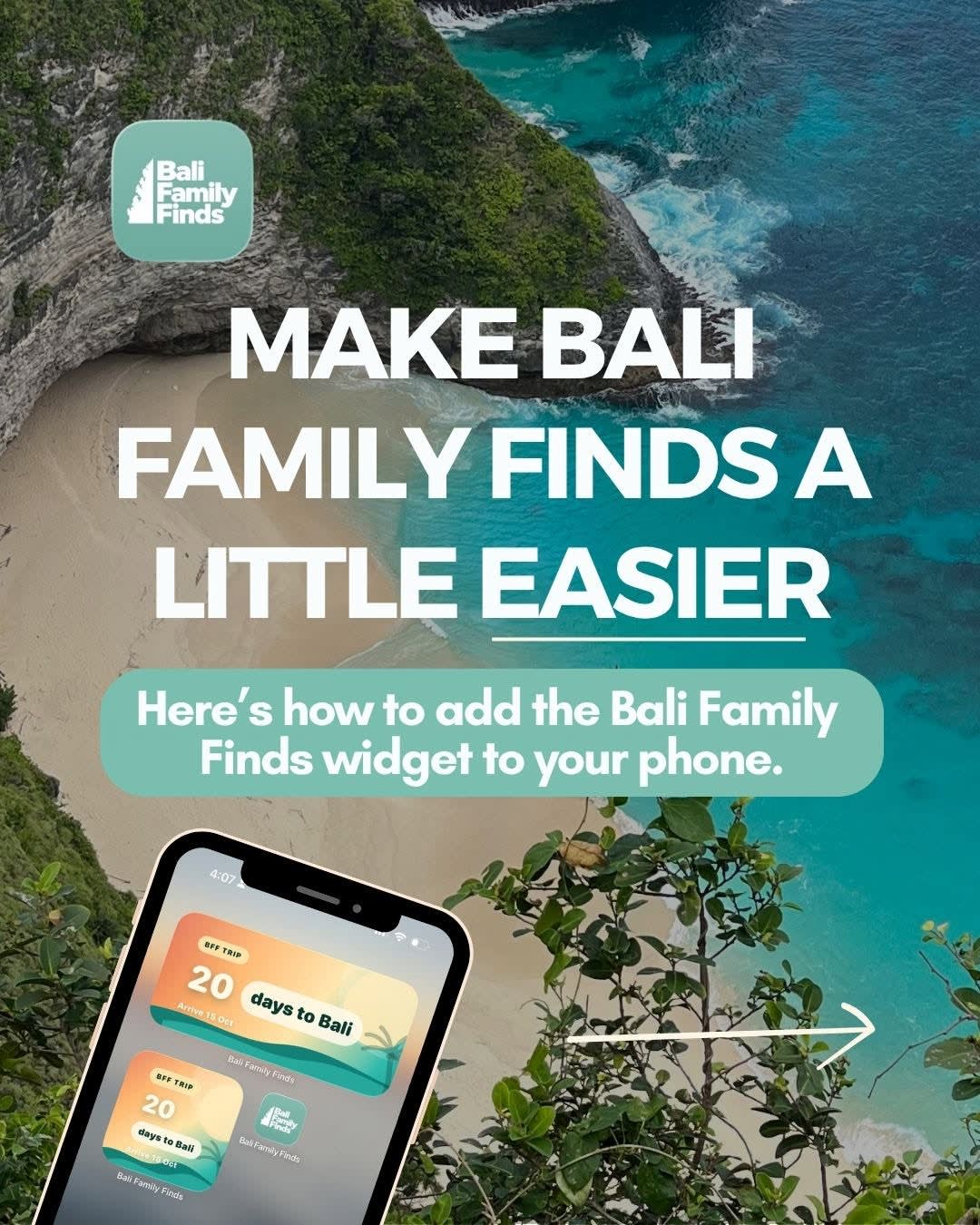
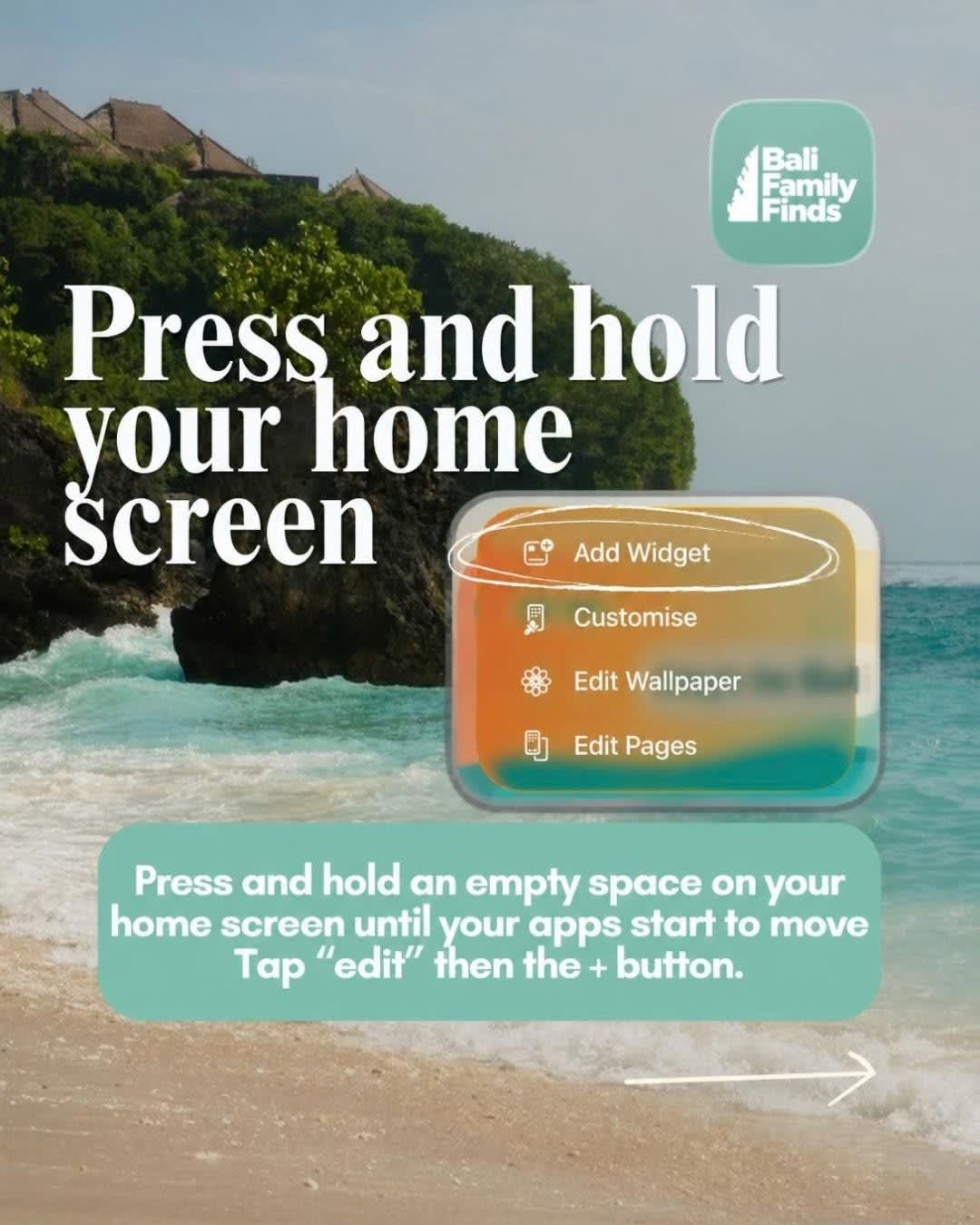
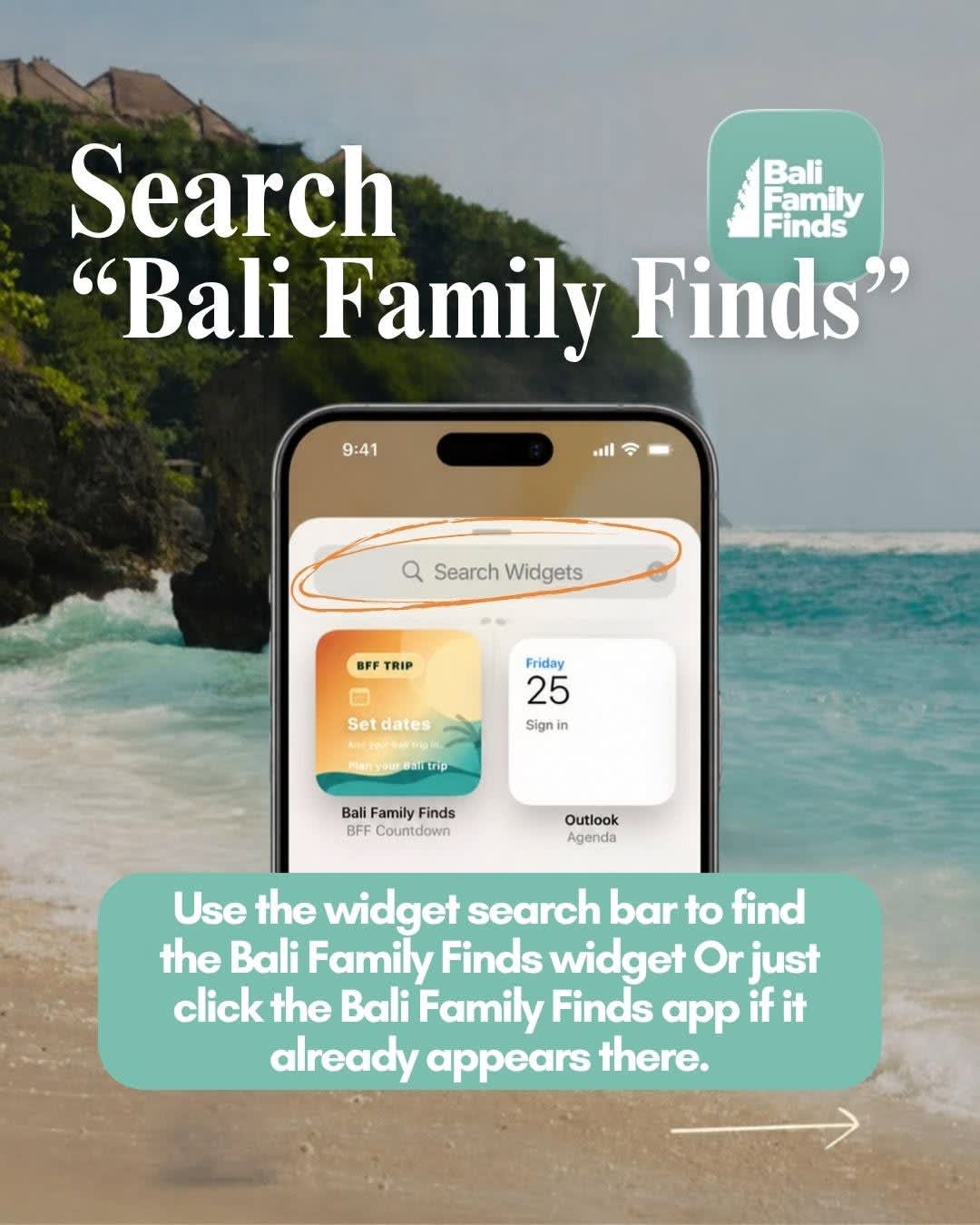
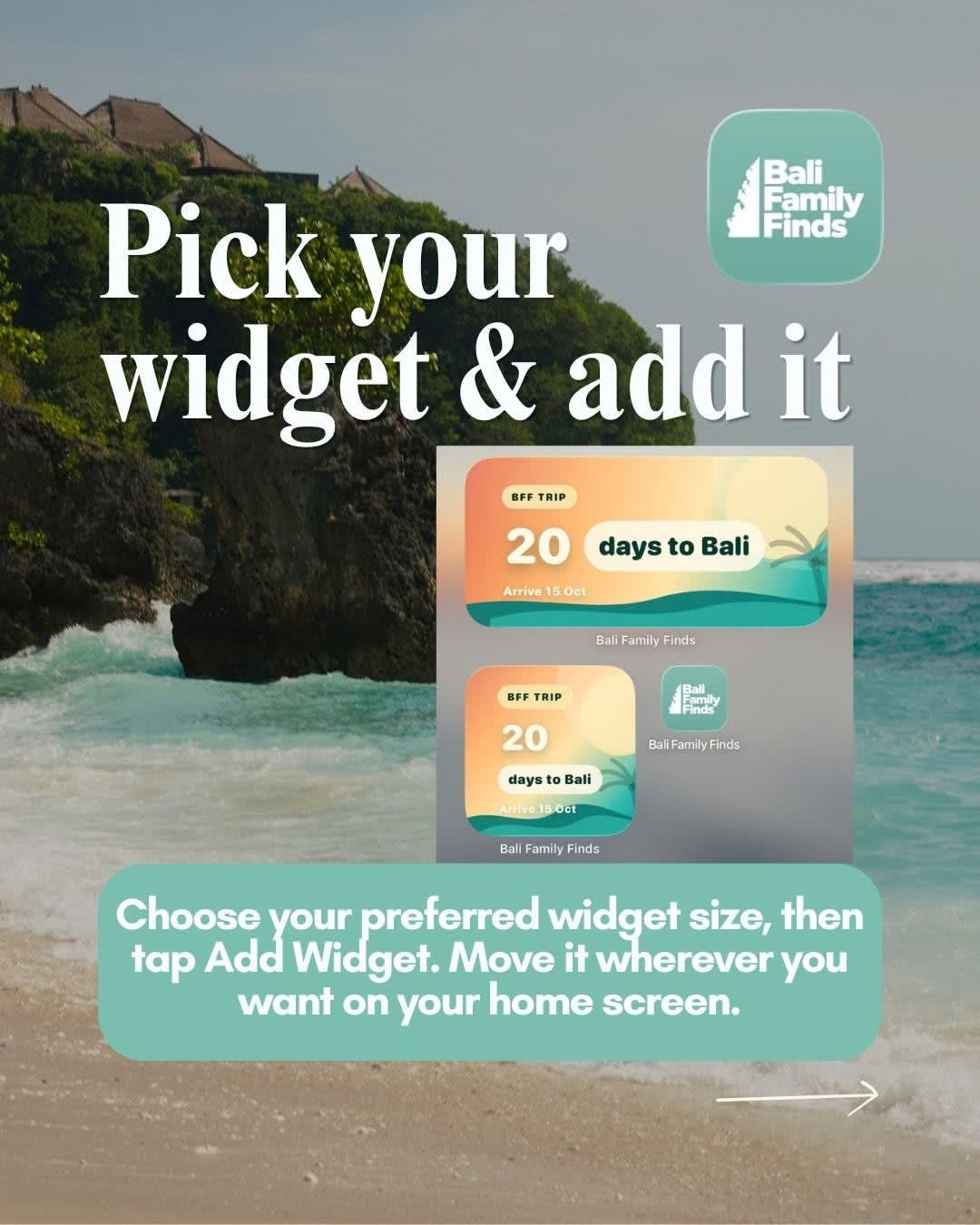
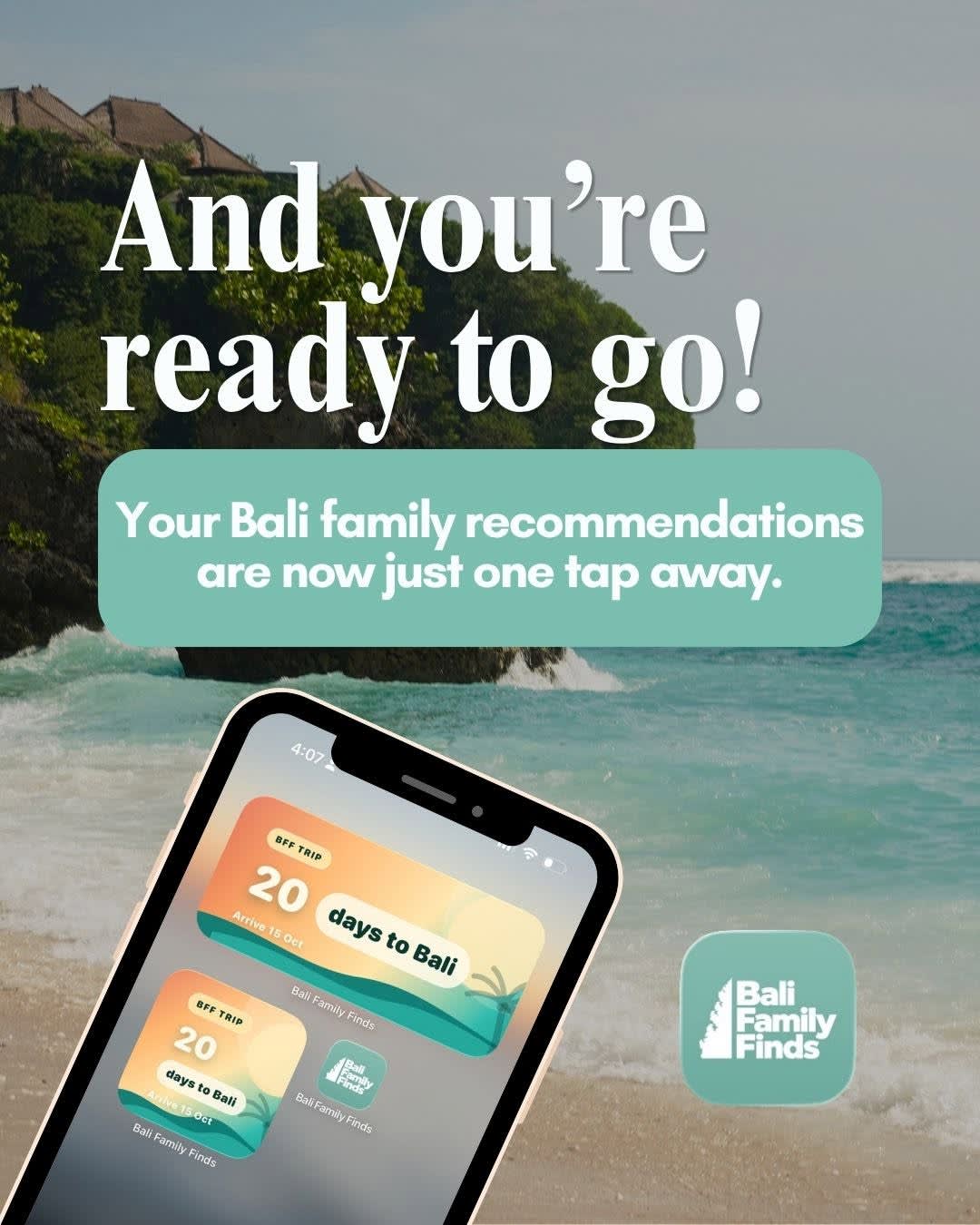

📱 DID YOU KNOW YOU CAN PUT BALI FAMILY FINDS RIGHT ON YOUR HOME SCREEN? 🌴 If you’re planning a Bali trip, this is such a handy little feature to set up before you go. The Bali Family Finds widget gives you quick access to your trip without having to open the app and search for it every time. Here’s how to add it on iPhone: 1️⃣ Press and hold an empty space on your home screen until your apps start moving. 2️⃣ Tap Edit and then Add Widget. 3️⃣ Search “Bali Family Finds” in the widget search bar. 4️⃣ Choose the widget size you want and tap Add Widget. 5️⃣ Move it wherever you want on your home screen — and you’re done! 🙌🏼 You can have your Bali countdown and Bali Family Finds just one tap away, ready whenever you need it. Save this post so you can come back to it when you’re setting up your phone before your Bali holiday. 🌴✈️ @balifamilyfinds 📱 The Bali Family Finds app is FREE to download and is packed with things to make your Bali trip easier. ❤️ Inside you'll find: ✔️ Family-friendly recommendations ✔️ Trip planner ✔️ Visa, arrival card & tourist tax links ✔️ Packing checklists ✔️ Allergy cards in Bahasa Indonesia & English ✔️ Playable Bahasa Indonesia phrases 🔊🇮🇩 ✔️ Deals across Bali ✔️ Trusted drivers for airport pick-up/drop-off ✔️ eSIMs ✔️ NEW Waterfall Map + Guide 💦 Less time researching. More time making memories. 🌴✨


